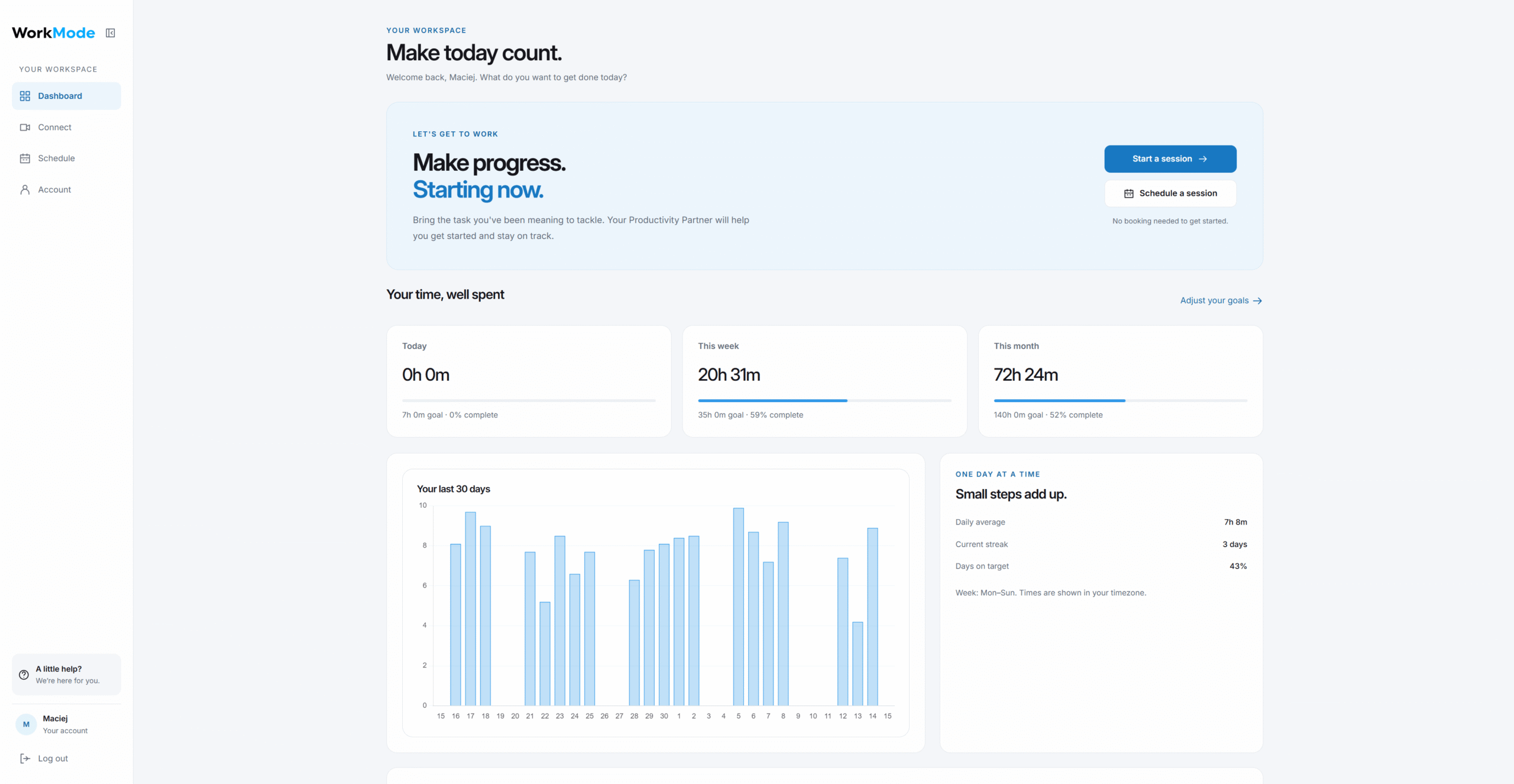
WorkMode has a new look. We’ve redesigned the app to make it easier to find what you need, connect with a Productivity Partner, and get to work.
The update brings a cleaner layout, clearer navigation, and more room for what matters: your next session and the work you want to finish.
A clearer place to start
Your dashboard puts the next step within easy reach. Start a session, schedule one for later, or check your progress toward your work-time goals.
We’ve also simplified the Connect page, bringing the session introduction and actions together in one place. Connect with a trained Productivity Partner, share what you’re working on, and turn “to-do” into “done.”
More room to work
The new sidebar keeps Dashboard, Connect, Schedule, and Account close at hand. On desktop, you can collapse it to icons to give the main workspace more space.
Account settings are easier to navigate too, with direct access to your profile, goals, notifications, video preferences, and billing.
Plan ahead, or get started now
The updated Schedule page makes booking a session easier to find. Your calendar is also available on the dashboard, so you can plan your next session without leaving it.
Scheduling remains optional. During service hours, you can head straight to Connect whenever you’re ready to work.
At the heart of it all is the same WorkMode experience: body doubling built for work, with trained Productivity Partners focused on helping you make progress. Sessions remain one-to-one and are never recorded.